Sometimes it’s necessary or useful to work remotely with Haiku, either as Client or as Server.
While a (vnc)server provides data, a client catches them.
So there is a VNC-Server (if you want to share your Haiku-Screen), or a VNC-Client if you want to access a VNC-Server’s data.
So install, what do you need-
There is a VNC server on HaikuDepot: VNCServer
As VNC-Client you can use: https://tightvnc.com/ -> Download the Java Version
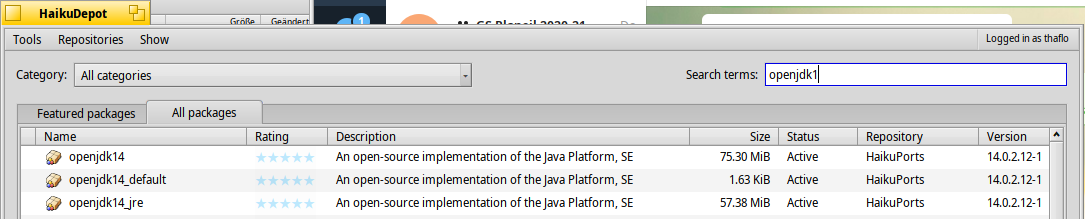
Be sure to have installed a recent OpenJDK. Install both, the JRE and the “default” package.
Start the VNC-Server:
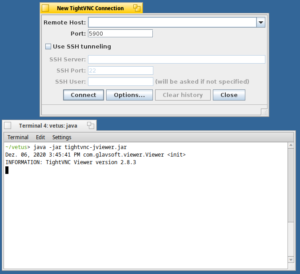
Use it:
<screenhot will follow>